Articles in the side panel
Click the Feedee icon to open the side panel with the latest articles from all your feeds.

Feedee is a free, open source RSS and Atom feed notifier for Chrome. Add the feeds you follow, and Feedee checks them on a schedule (every 5 minutes by default), shows a notification for each new post and lists all articles in the browser side panel, where you can search, filter by feed and group by date.
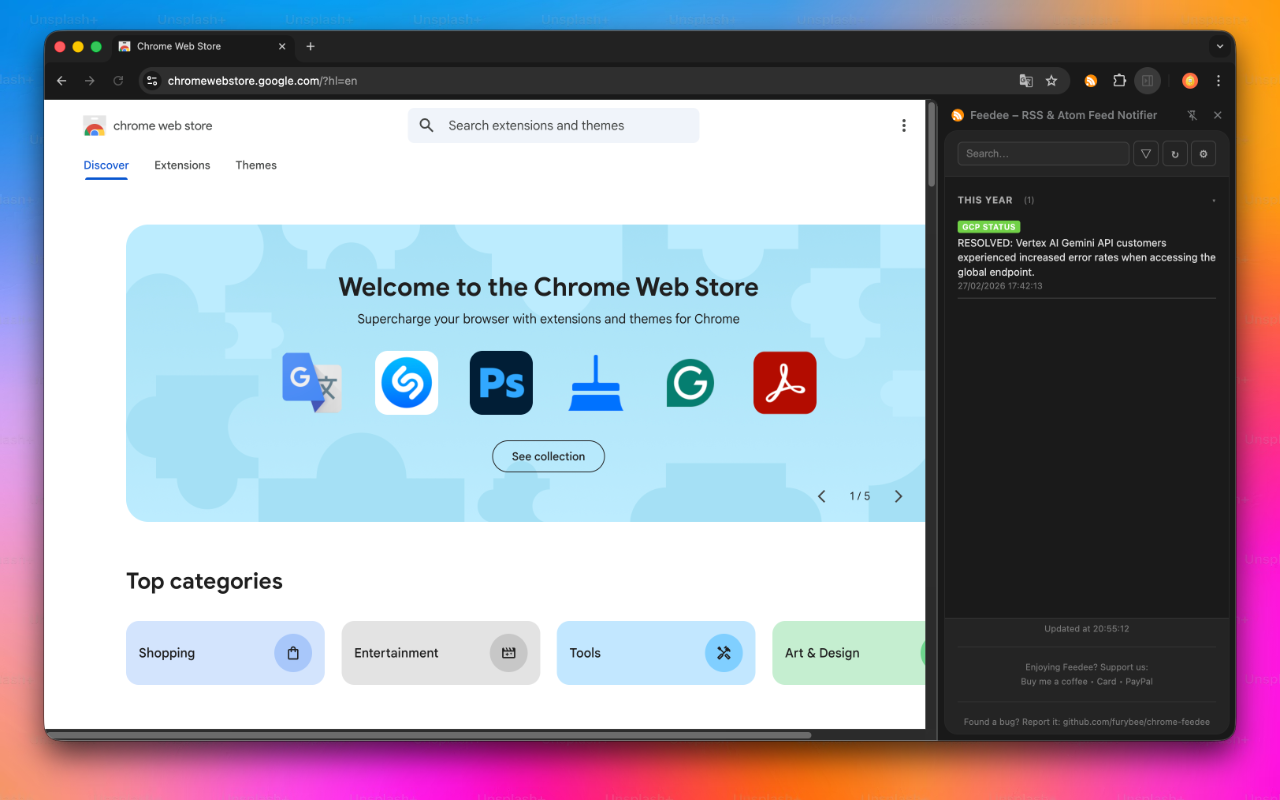
Feedee is made for people who follow a handful of feeds closely: status pages, release notes, blogs, news. There is no account and no server in between: your browser fetches the feeds directly.
Click the Feedee icon to open the side panel with the latest articles from all your feeds.
When a feed publishes something new, Feedee shows a Chrome notification with the feed name and the article title.
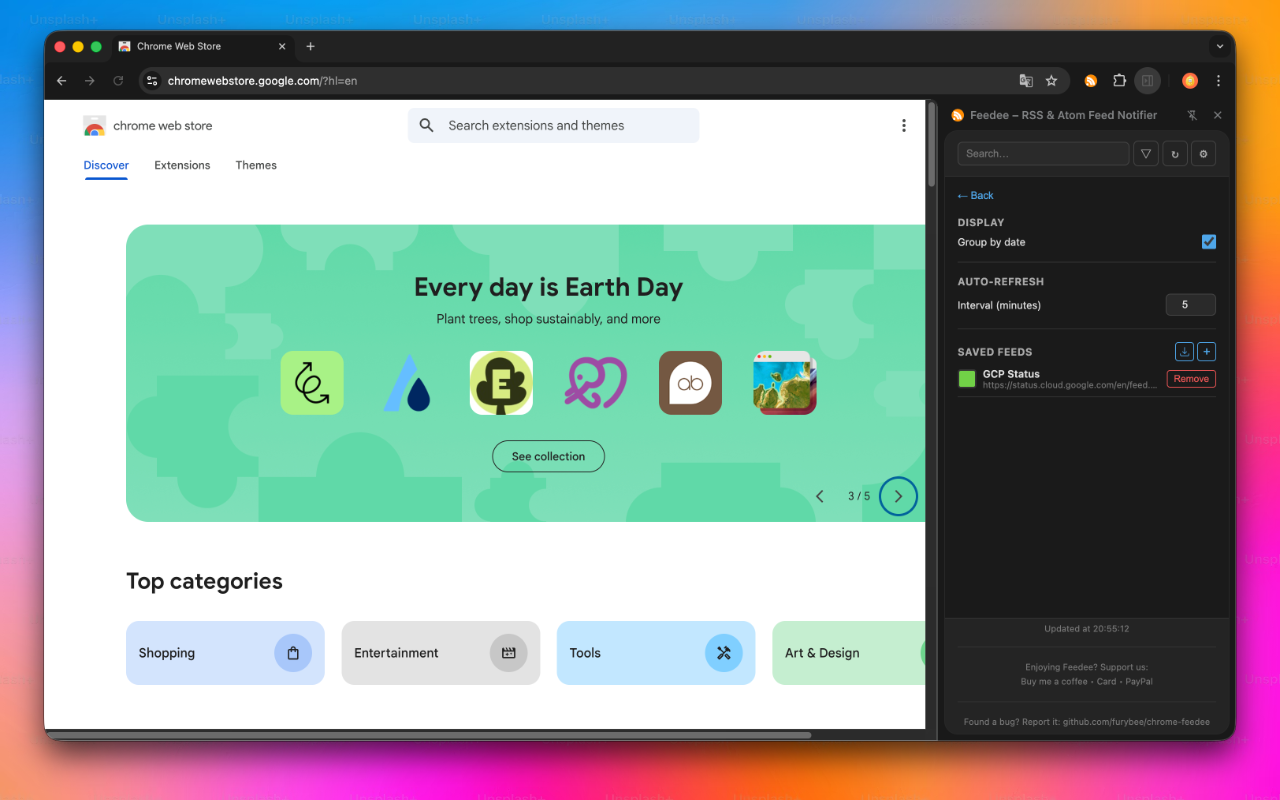
Feeds are checked every 5 minutes by default; you can set any interval from 1 to 120 minutes, or refresh by hand.
Search articles by keyword, filter by feed, give each feed a colored tag, and group articles by date: today, this week, this month, this year.
The side panel follows your system light or dark setting.
The interface is available in English and French.
alarmsCheck your feeds on the interval you chose.notificationsTell you when a feed publishes a new post.storageSave your feeds and settings.sidePanelShow the article list in the Chrome side panel.*://*/*Download your feeds, which can live on any website.Feedee does not collect or send your data. Its Chrome Web Store listing declares that it does not collect or use your data. Your browser downloads the feeds directly from their websites; your feed list is kept in Chrome storage.
Yes. Feedee is free on the Chrome Web Store and open source under the MIT license.
Yes. Paste the URL of an RSS or Atom feed; both formats are read.
Every 5 minutes by default. You can choose any interval from 1 to 120 minutes in the settings.
Your feed list is saved in Chrome sync storage, so if Chrome Sync is on, your other computers signed in to the same Chrome profile get the same list. Which articles you have already seen is kept per device.
No. There is no sign-up and no server: Feedee runs entirely in your browser.
On GitHub at github.com/furybee/chrome-feedee, under the MIT license.
 Tabee: Tab Modifier Rules by URL that rename tabs, change their icons, pin, group, mute and protect them, and close duplicates.
  Disable CSP One click removes Content-Security-Policy headers while you test a web app; another click restores them.
  ThemesSix lightweight color themes for Chrome, from dark to pastel.