Is FuryCupcake free?
Yes. FuryCupcake is free on the Chrome Web Store, with no account and no ads.

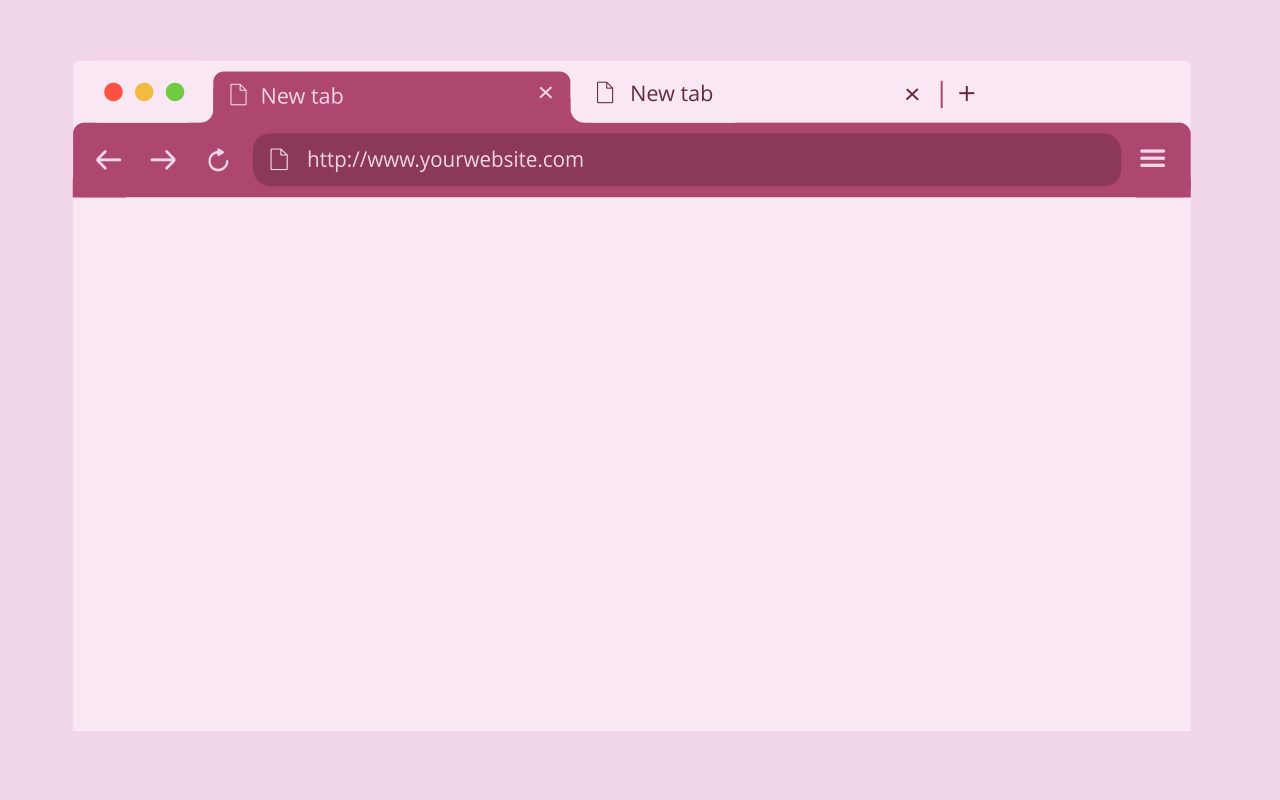
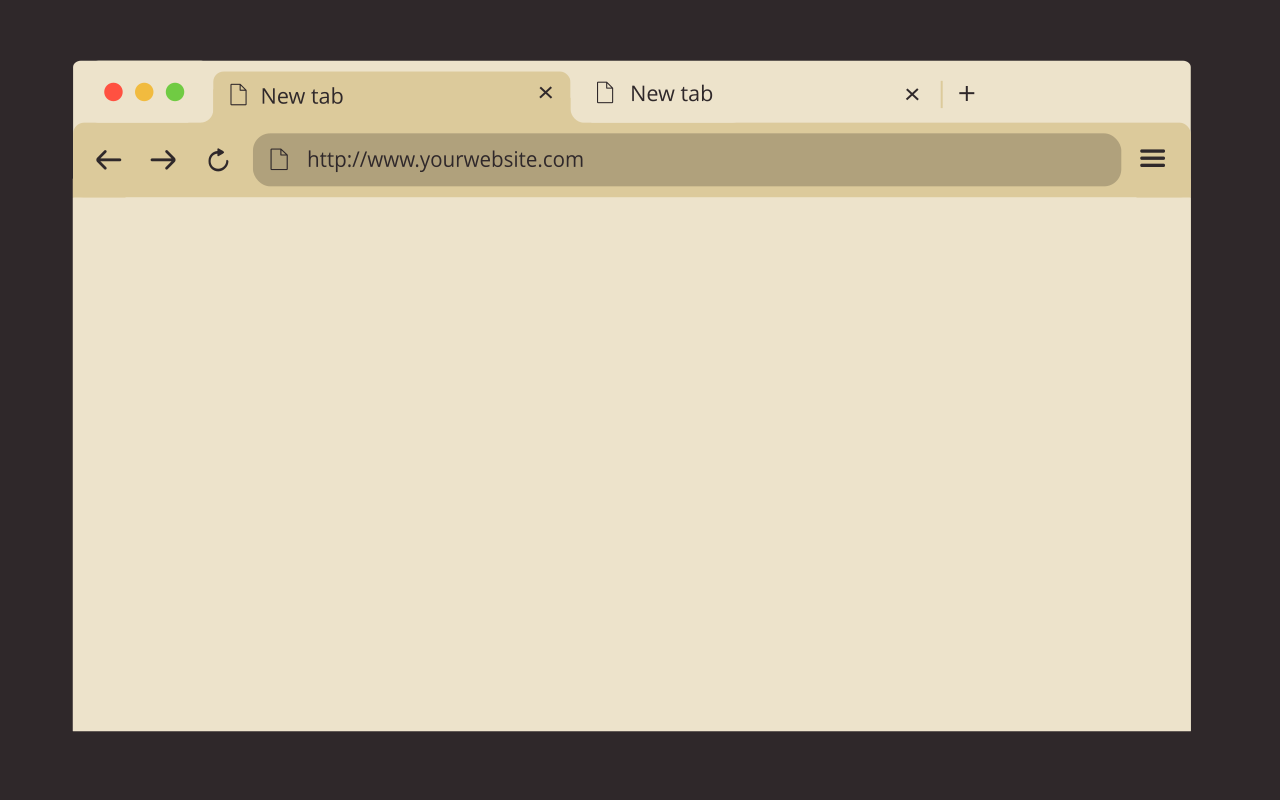
FuryCupcake is a free light theme for Google Chrome by FuryBee. It combines warm cream and beige tones with deep plum text, for a soft and sweet look. It only recolors the browser window, toolbar, tabs and New Tab page; it contains no code, so it needs no permissions and cannot see what you browse.
Add to Chrome, free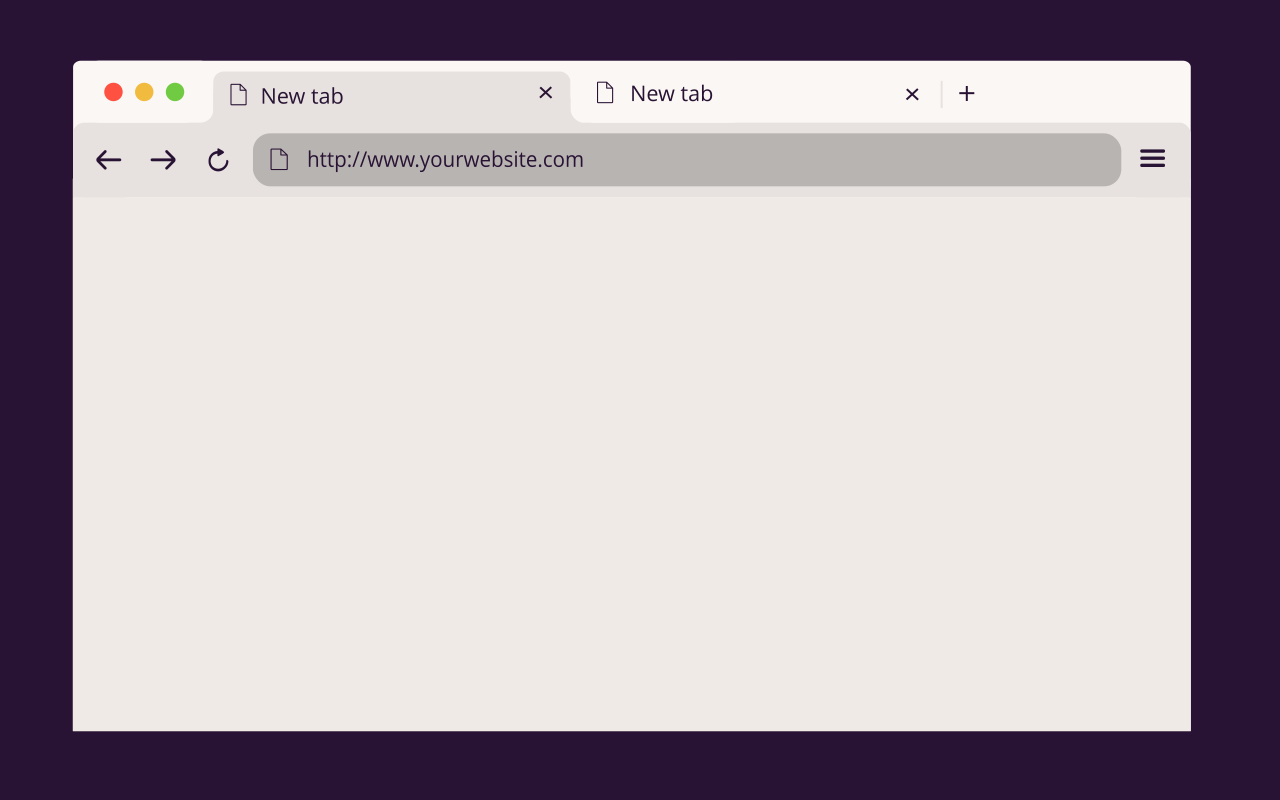
These are the exact colors set in the FuryCupcake package:
#FBF7F5 #E7E2DF #EFEAE6 #291334 chrome://settings/appearance.Yes. FuryCupcake is free on the Chrome Web Store, with no account and no ads.
No. A Chrome theme is only a list of colors and icons. FuryCupcake contains no code, so it cannot read pages, tabs or browsing history.
No. It changes the browser around the page: window frame, tabs, toolbar and the New Tab page. Websites look exactly the same.
FuryCupcake is a light theme. If you prefer a dark look, see the other FuryBee themes below.
Go to chrome://settings/appearance and click Reset to default next to Theme. Installing another theme also replaces FuryCupcake.
No. The whole package weighs 7.02 KiB: a few colors and four small icons, with no background image and no script.