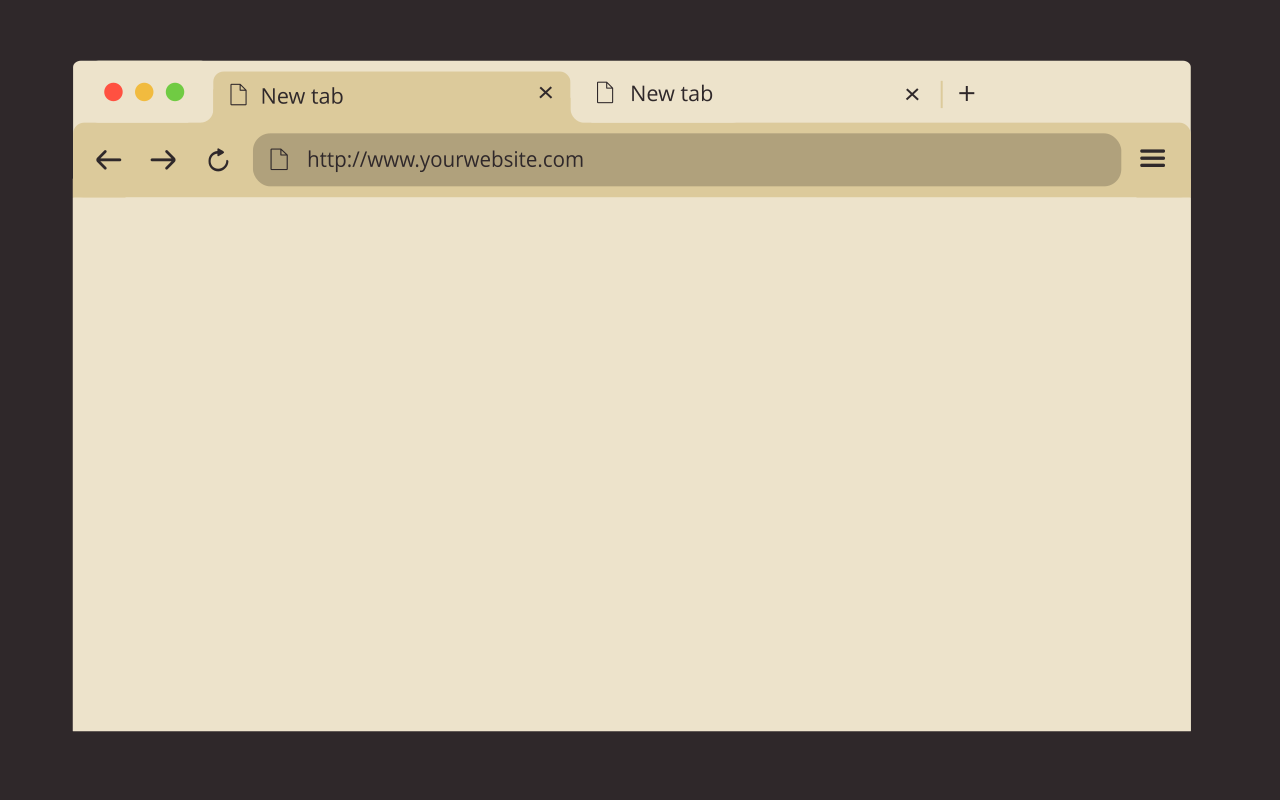
Is FuryAqua free?
Yes. FuryAqua is free on the Chrome Web Store, with no account and no ads.

FuryAqua is a free dark theme for Google Chrome by FuryBee. It wraps Chrome in deep ocean blue with pale blue text, bringing the calm of the sea to your browser. It only recolors the browser window, toolbar, tabs and New Tab page; it contains no code, so it needs no permissions and cannot see what you browse.
Add to Chrome, free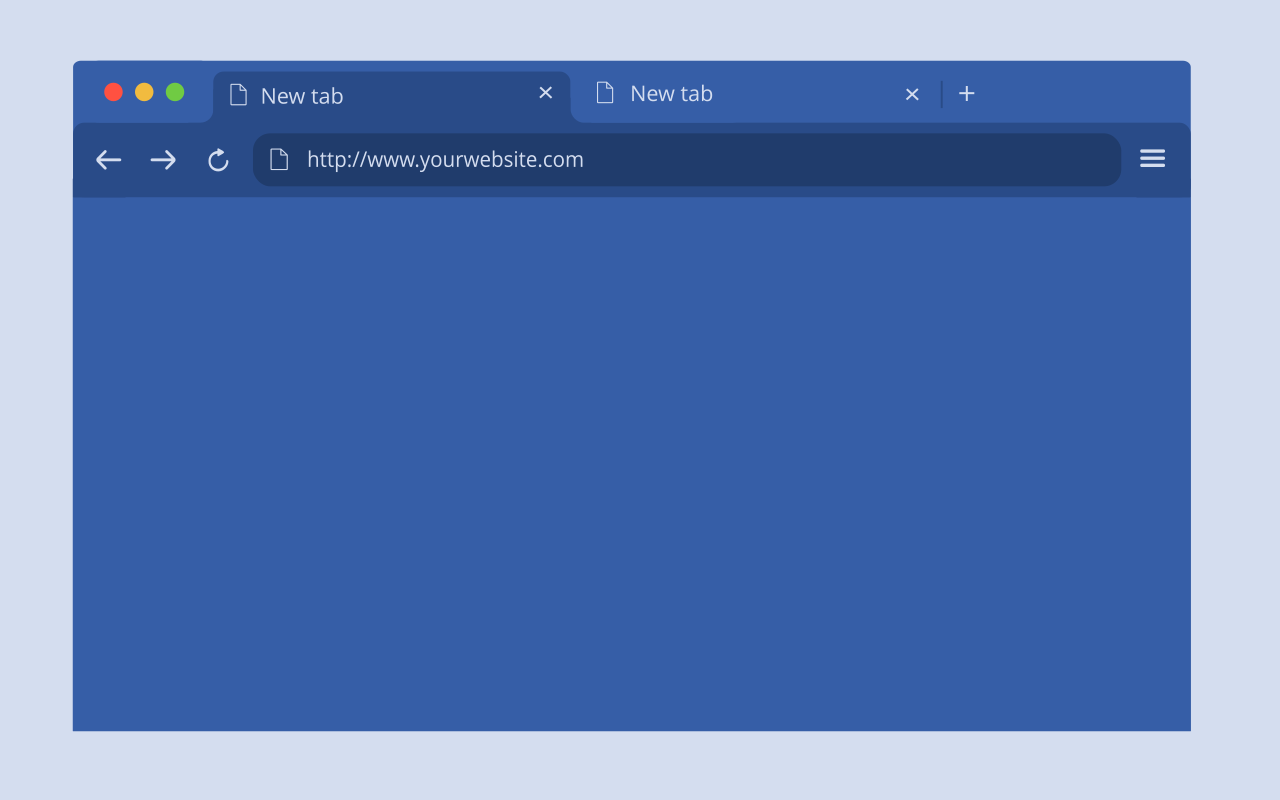
These are the exact colors set in the FuryAqua package:
#365EA7 #294B88 #365EA7 #D4DDEF chrome://settings/appearance.Yes. FuryAqua is free on the Chrome Web Store, with no account and no ads.
No. A Chrome theme is only a list of colors and icons. FuryAqua contains no code, so it cannot read pages, tabs or browsing history.
No. It changes the browser around the page: window frame, tabs, toolbar and the New Tab page. Websites look exactly the same.
FuryAqua is a dark theme. If you prefer a light look, see the other FuryBee themes below.
Go to chrome://settings/appearance and click Reset to default next to Theme. Installing another theme also replaces FuryAqua.
No. The whole package weighs 7.1 KiB: a few colors and four small icons, with no background image and no script.